46 photos. Detailed Setup for a
Digital Doc 5 (DD5)
(Temperature and Fan Monitor)
>> Full Manual (setup, config, operation) for the
DD5 (PDF format, 1.4 Mb)
Selected Temperature Spots:
1. HD 1, Quantum, Top
2. HD 2, Maxtor, Top
3. HD 3, Maxtor Top
4. Power Supply
5. Chassis (close to CPU. medium case level)
6. Chassis (bottom case level)
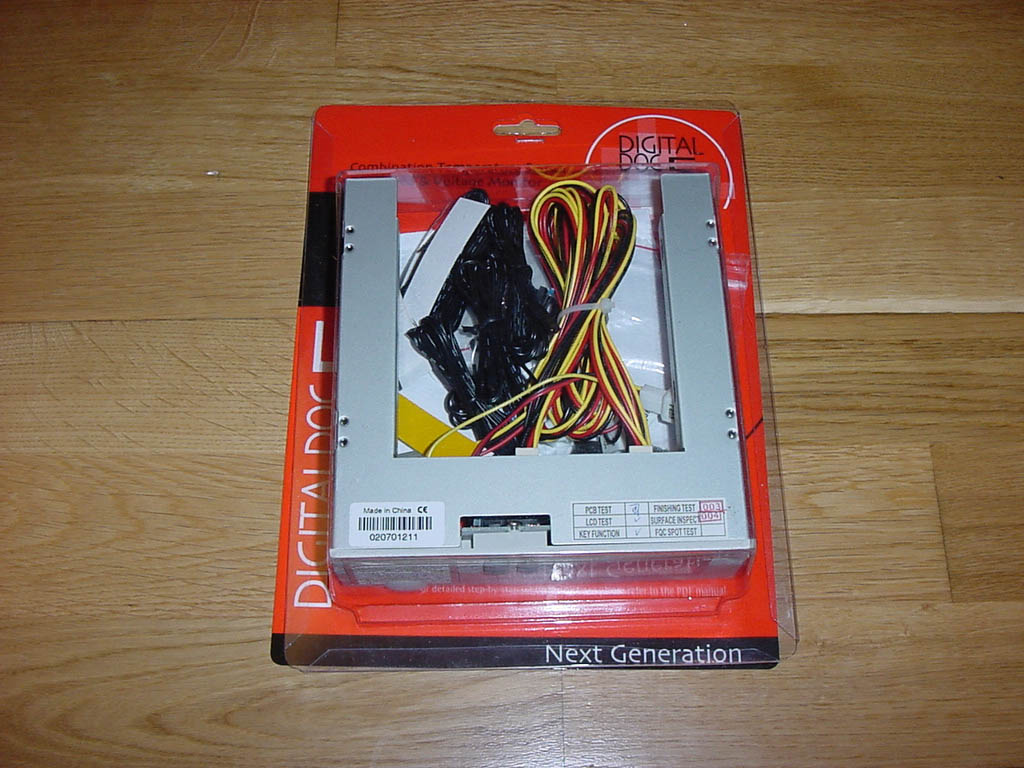

Unpacking Digital Doc 5
Main monitor device, 8 fan cables, 8 temperatue probe cables,
8 thermal stickers, CD-ROM with manual, fixing screws and fan filters

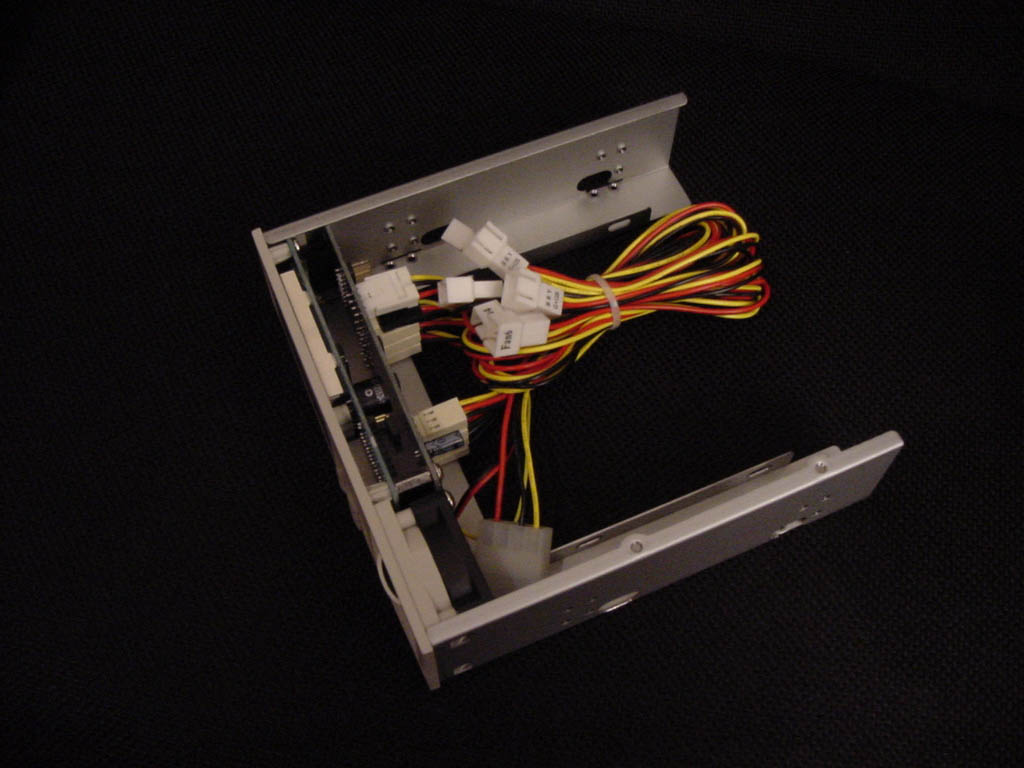


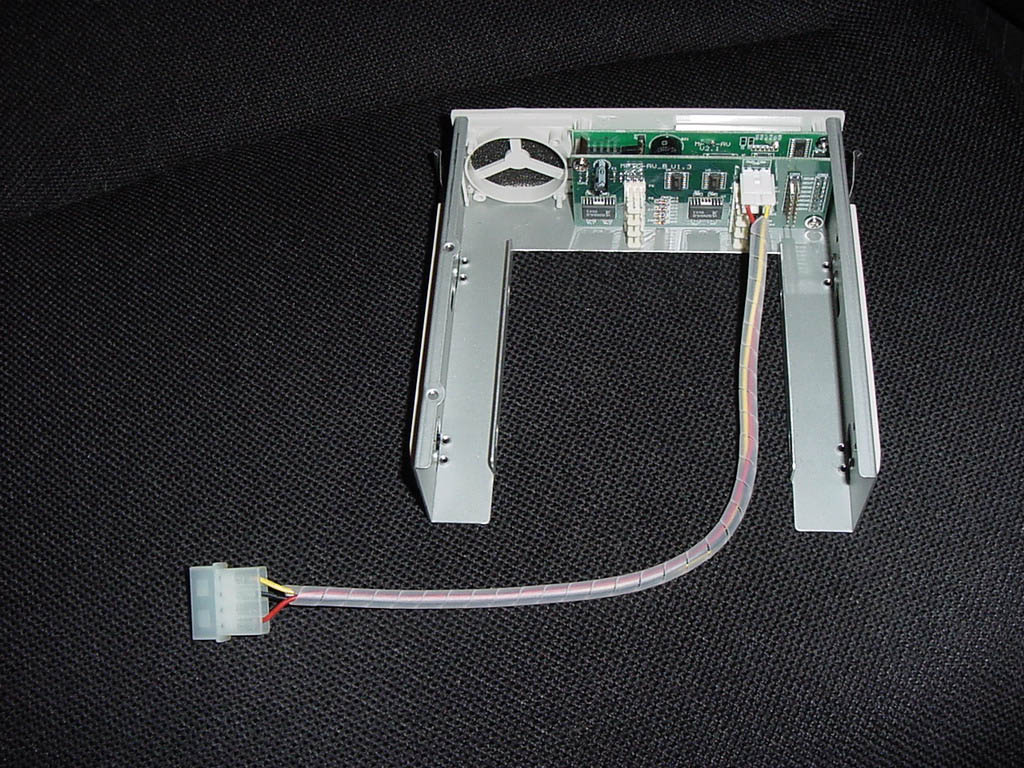
Perspectives and details fo the DD5 monitor unit


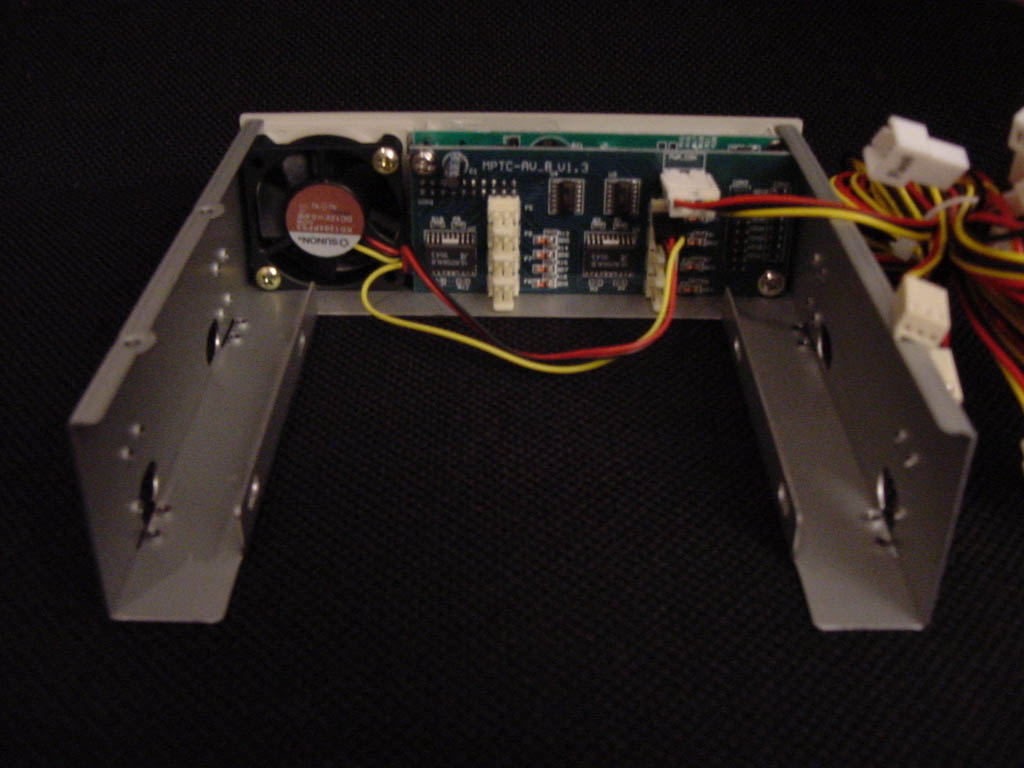

... more angles, and removing cables to ease out assembling
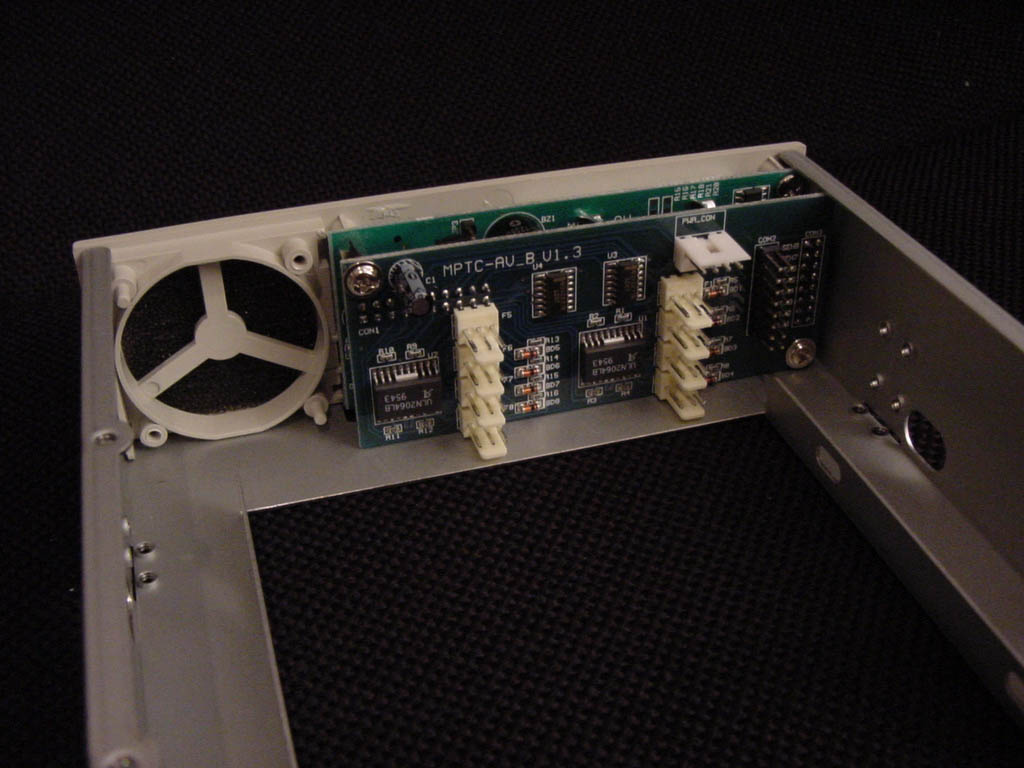
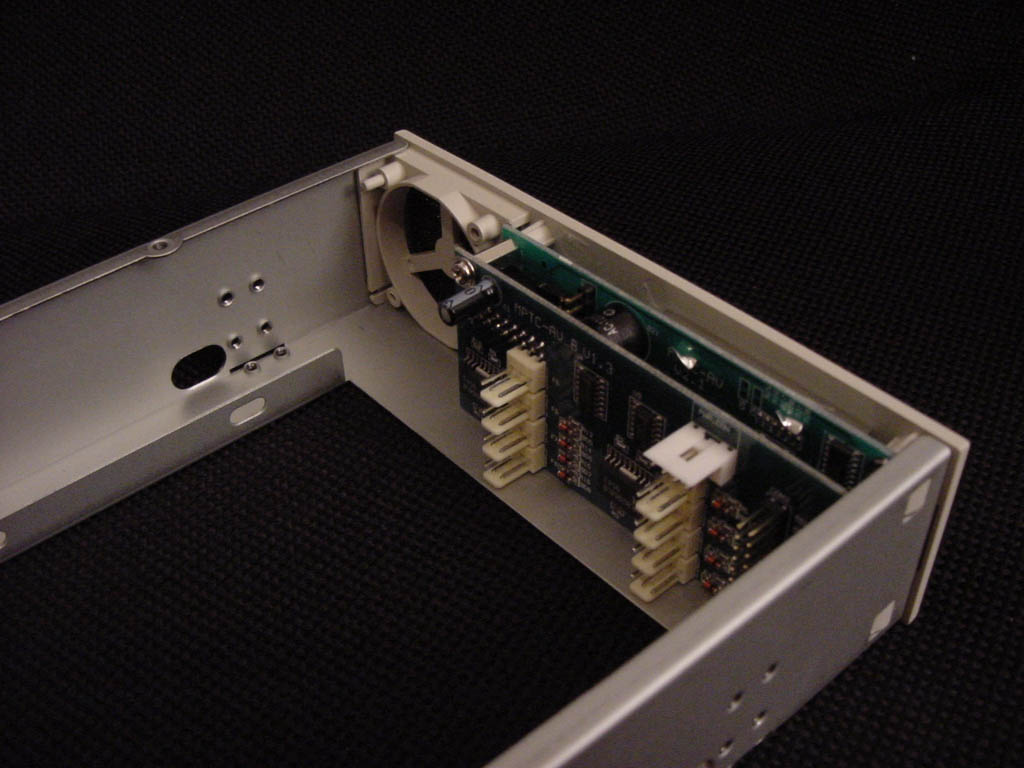
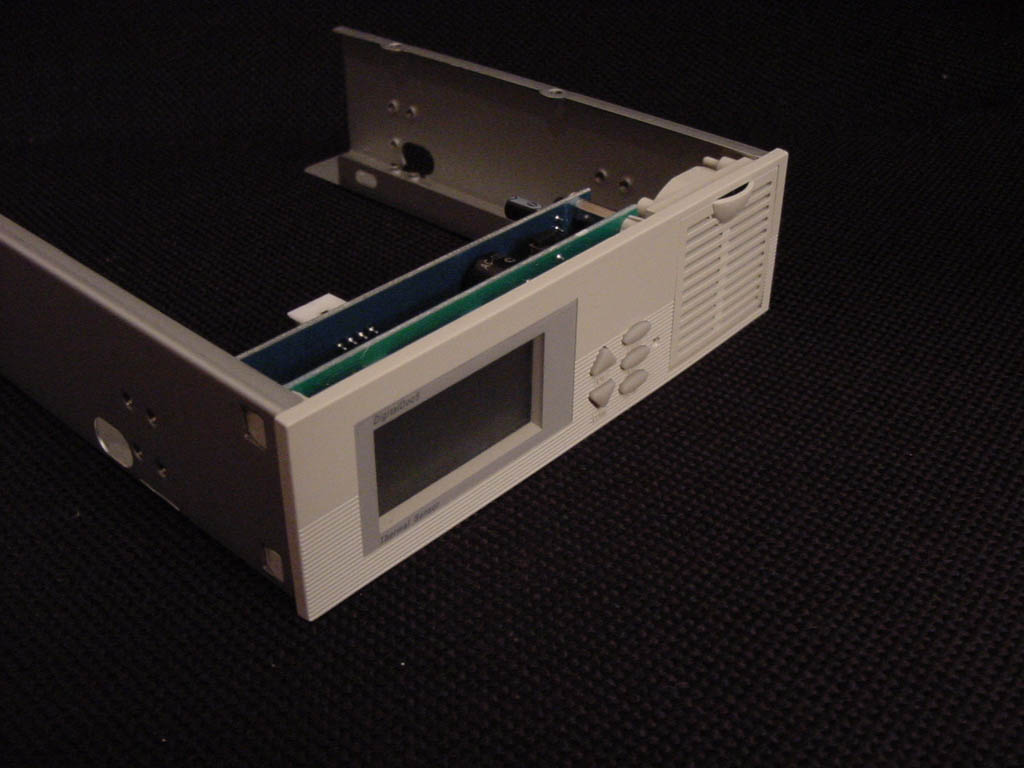
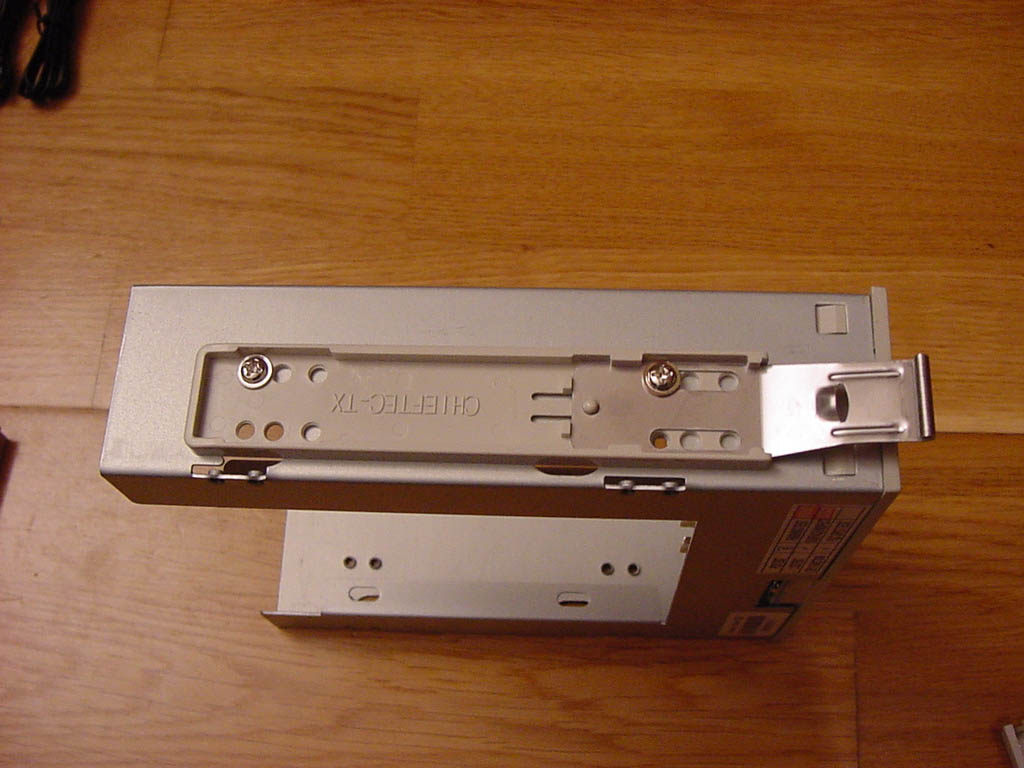
Removed all cables and the 40mm cooling fan.
Fitting rails for Chieftec case fitting on 5 1/4" bay doors.

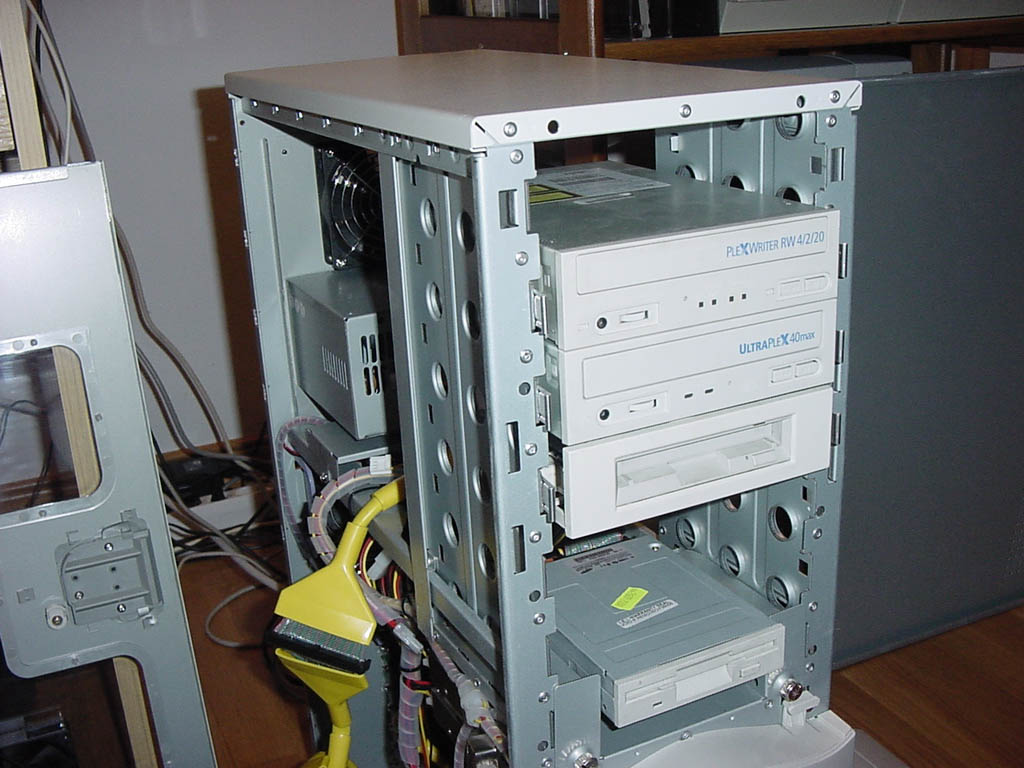
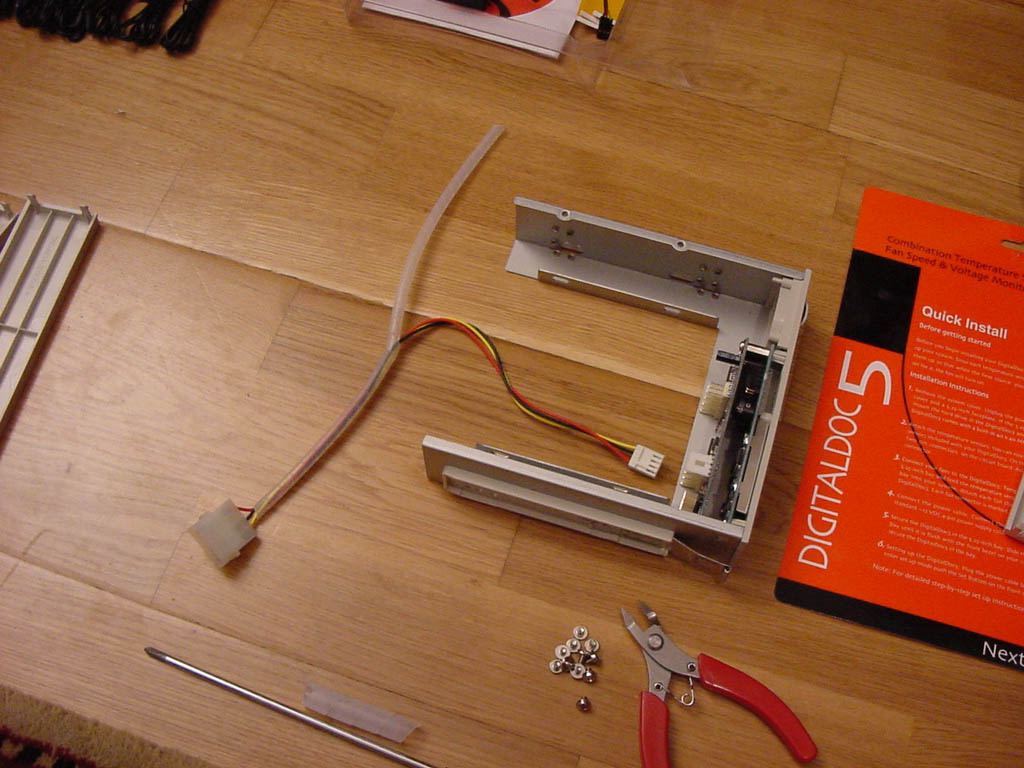
Opening Chieftec case. Managing bay space. Fitting power cable on
the DD5


Probes on the top of the 3 Hard Disks (yellow tape thermal
stickers).
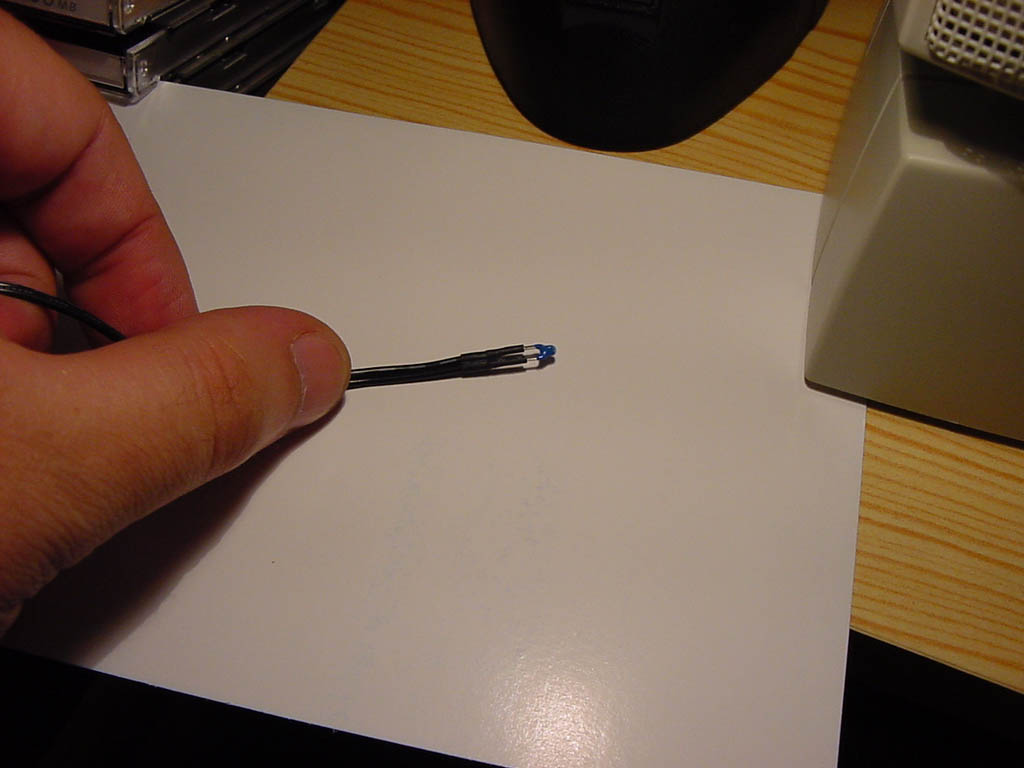
Details of the thermal prob tip
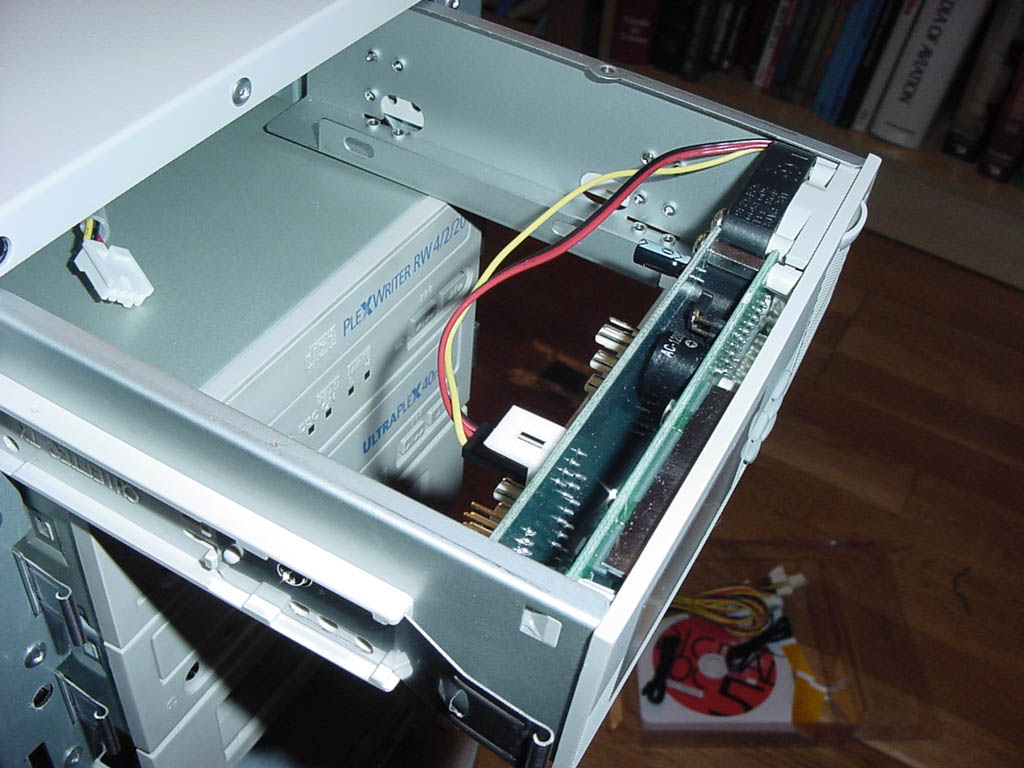


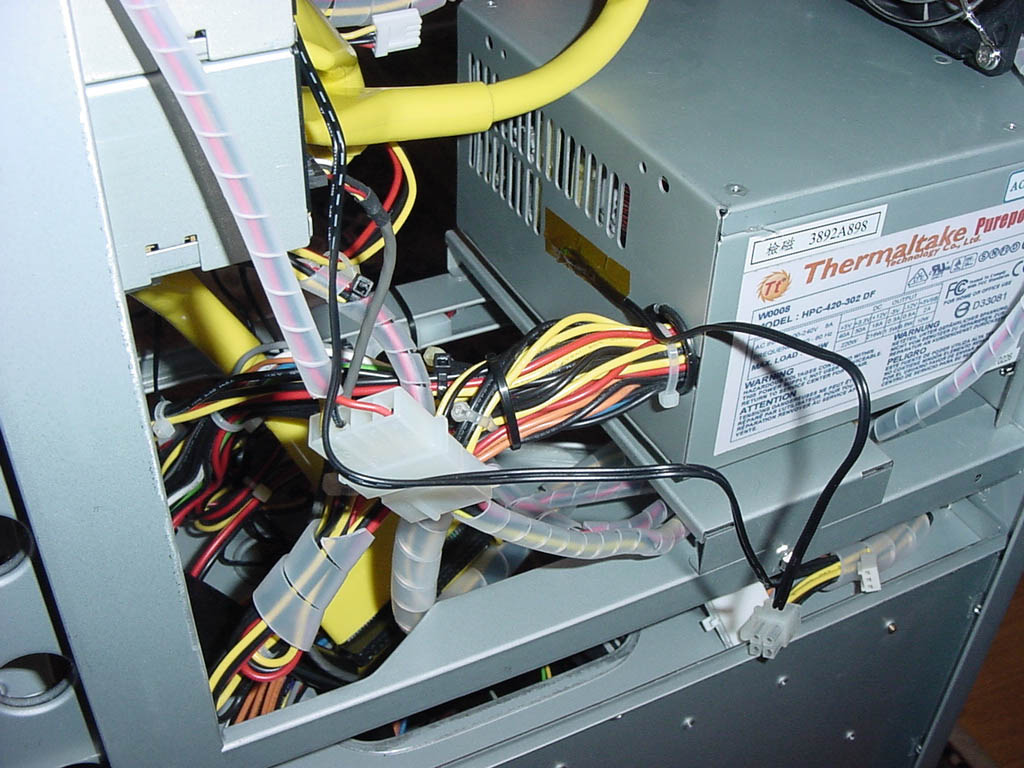
Details of the connections inside the DD5.
Probe on the Power Supply unit

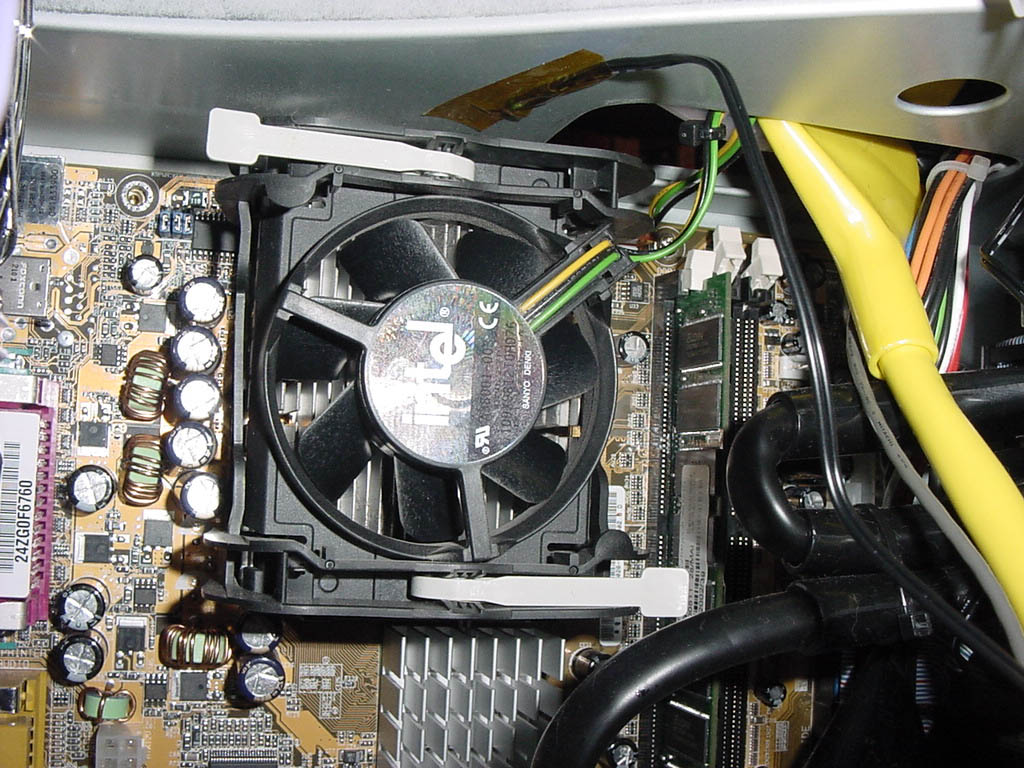
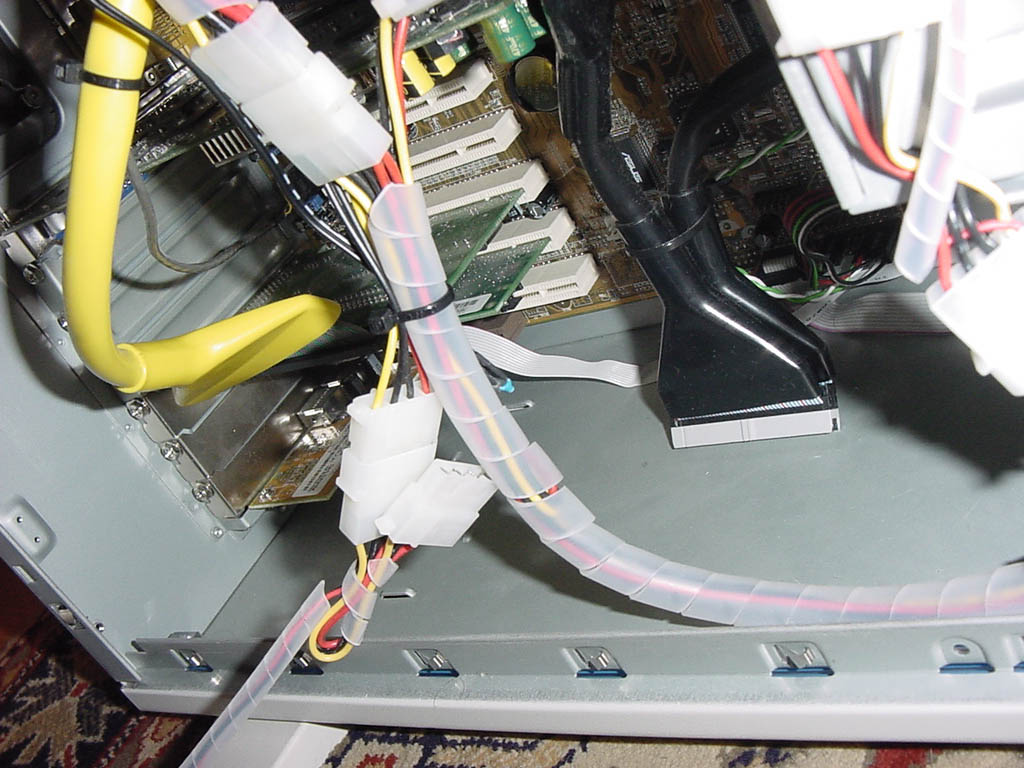
Probe close to the CPU cooler.
Another one on the bottom the case
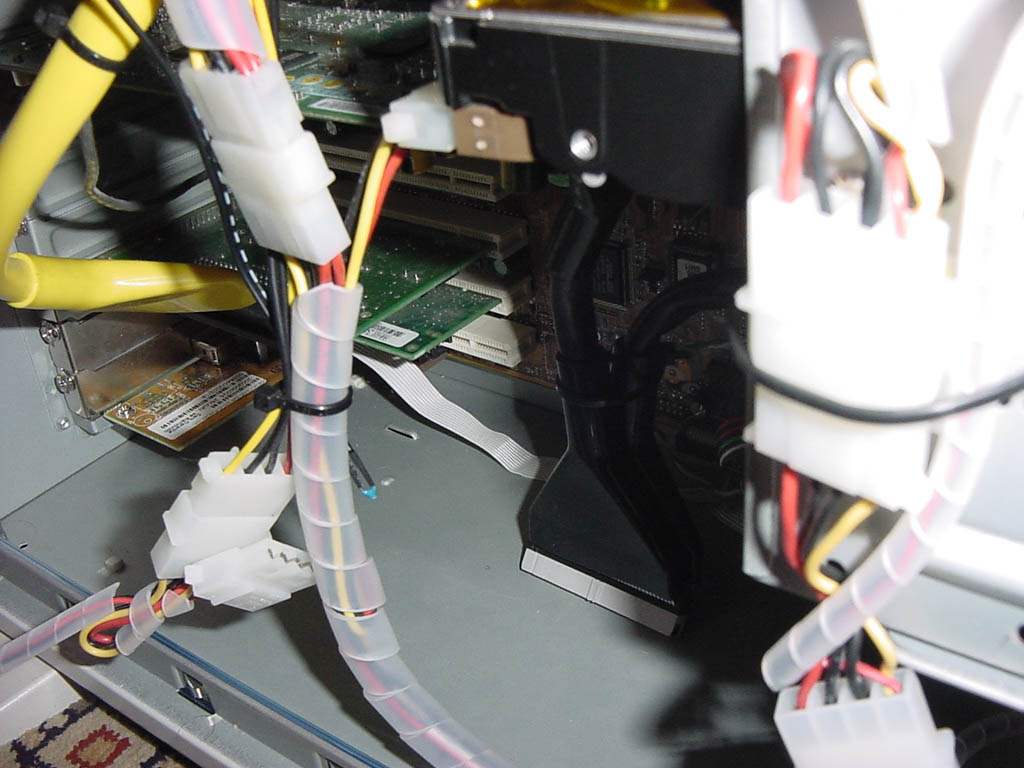

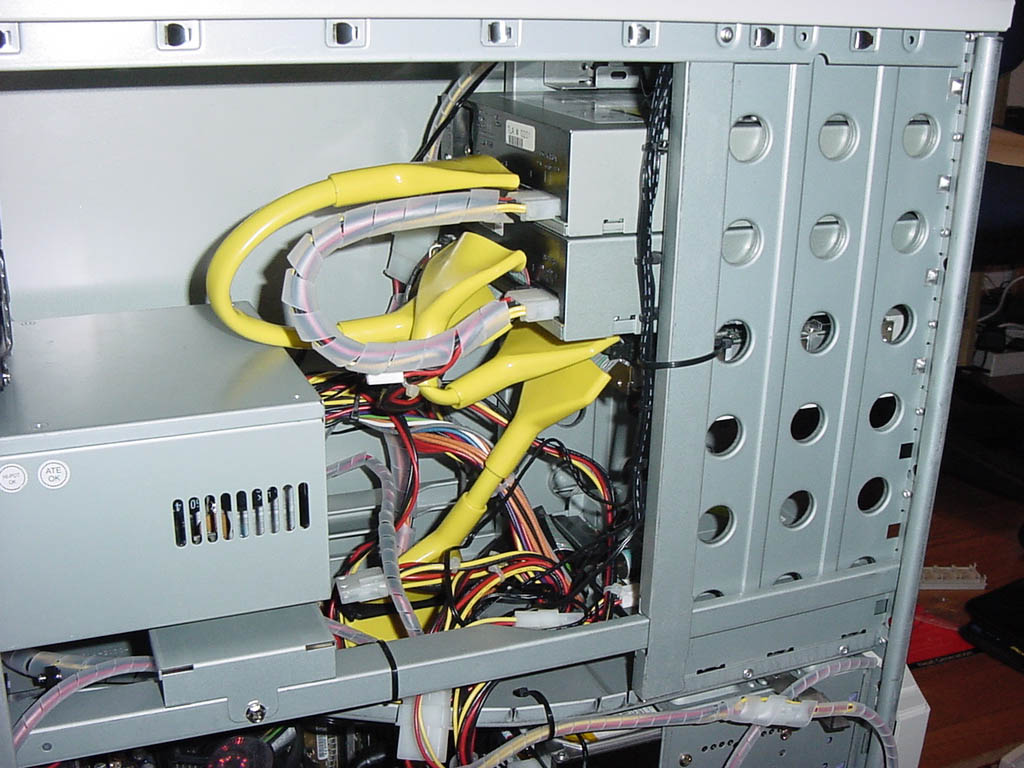
Bottom low probe fitting. Top probe cables fixed together
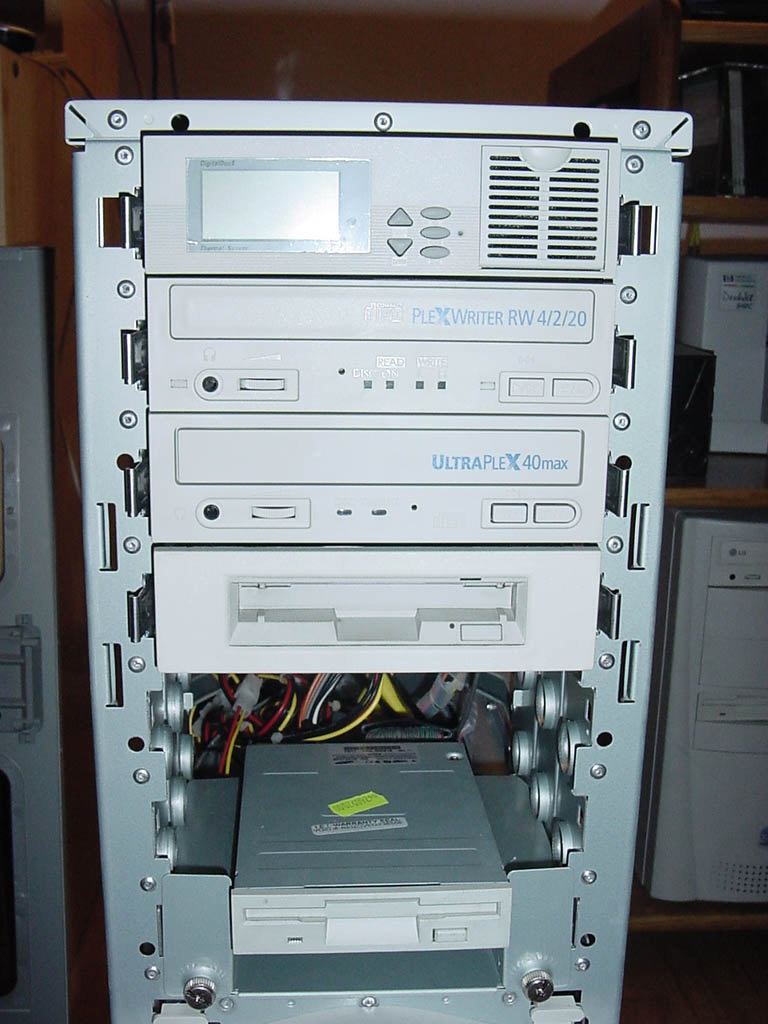
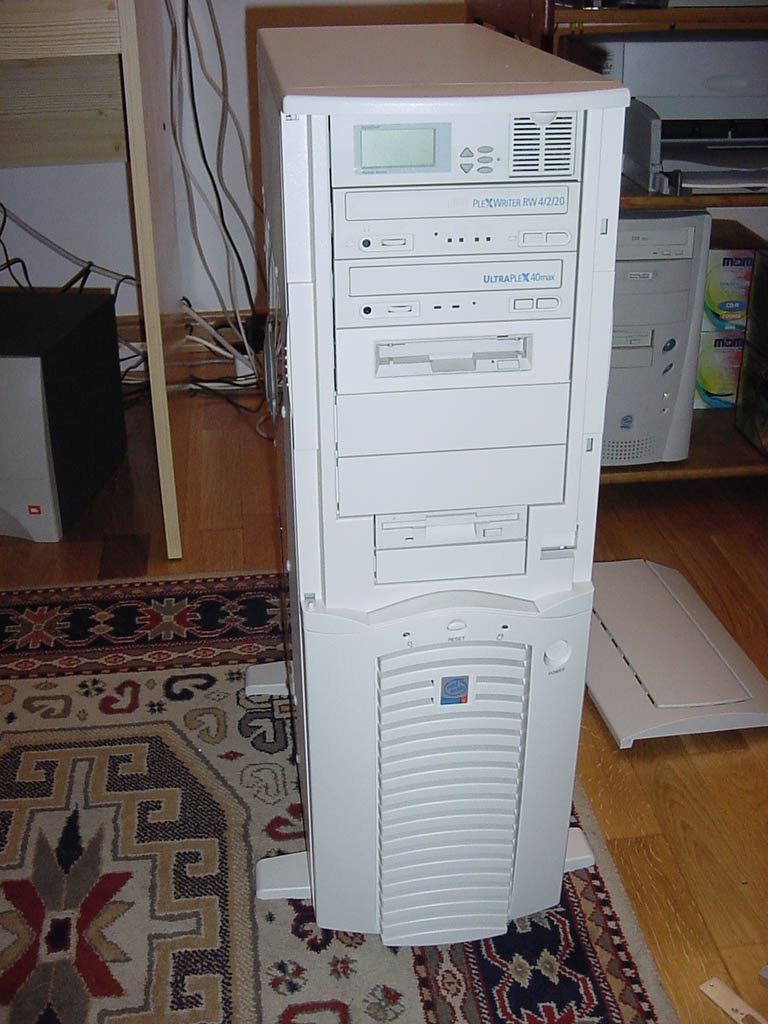
Final bay fitting of the DD5. Closing...
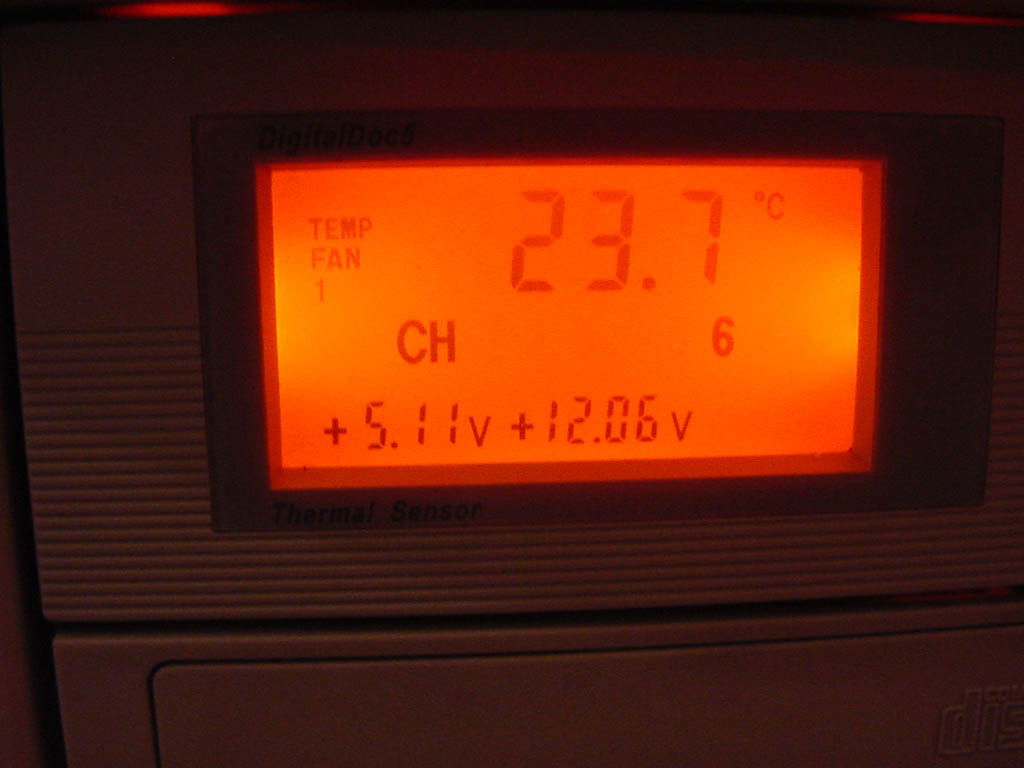
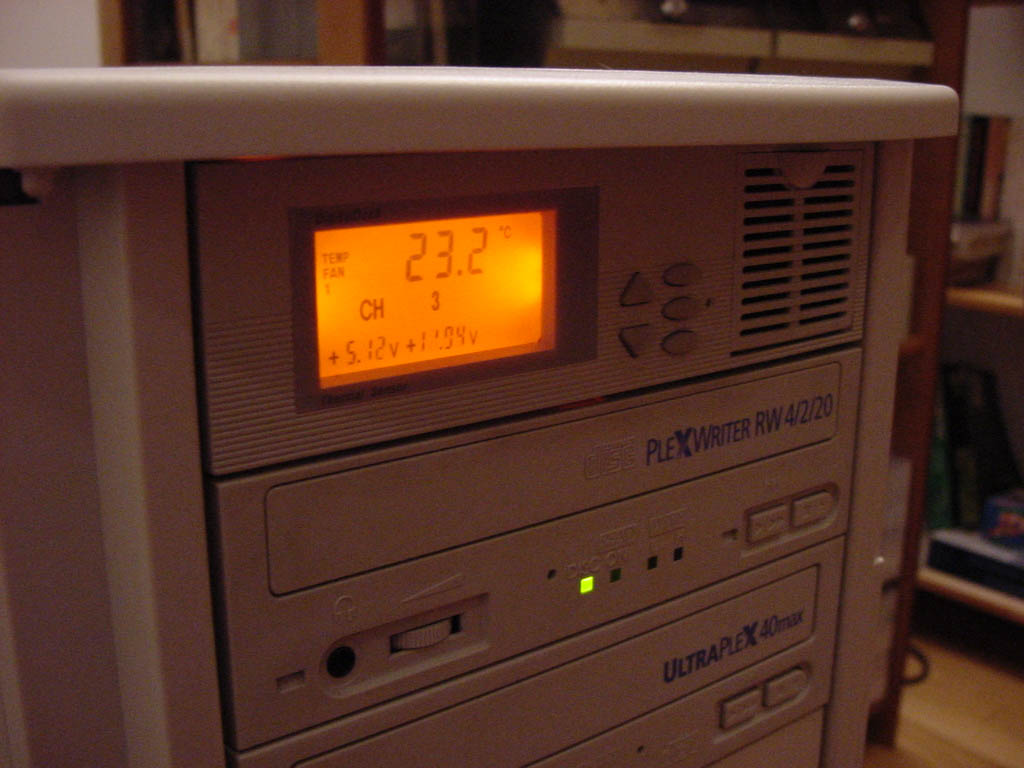
Details of the LCD panel

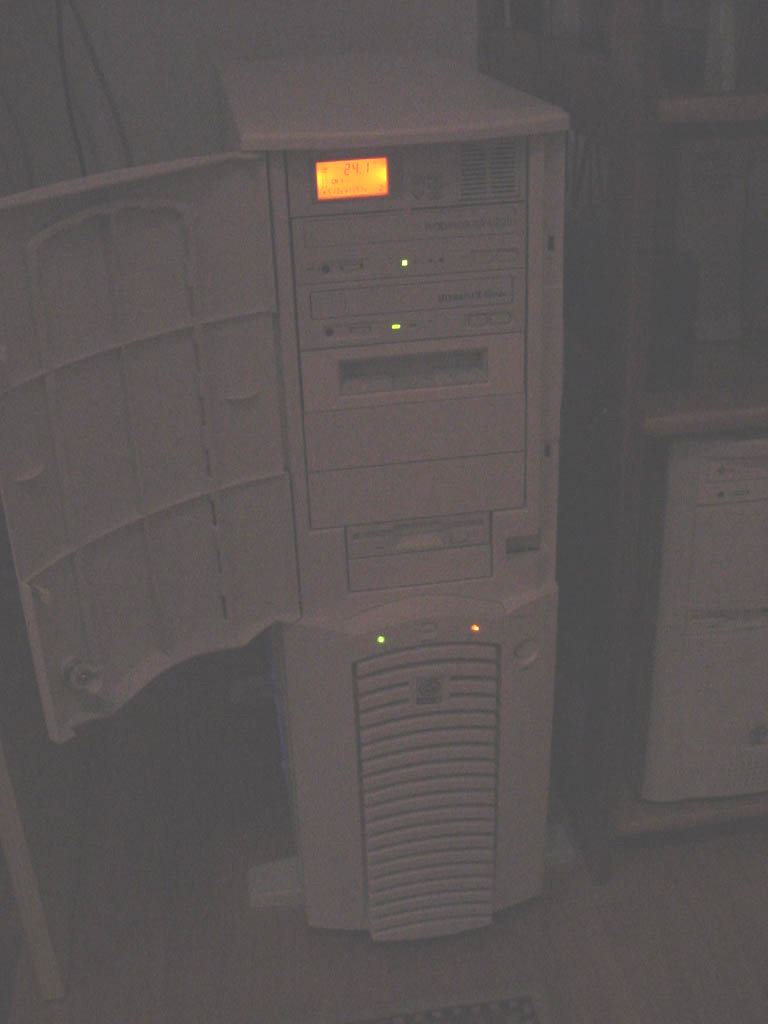
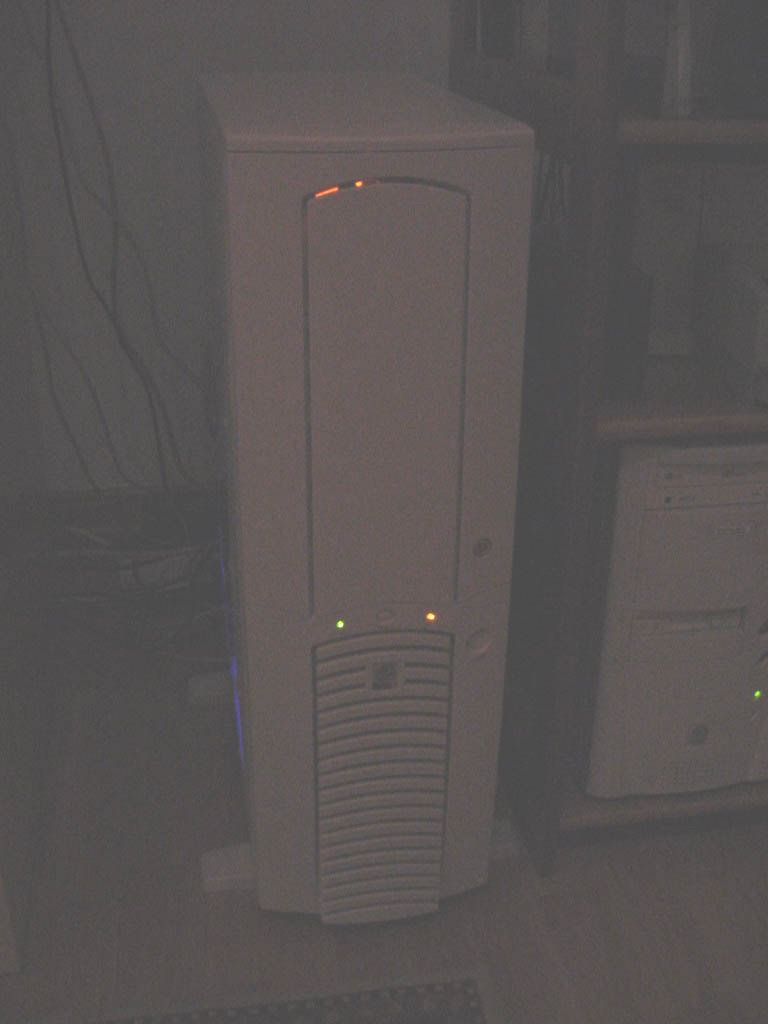
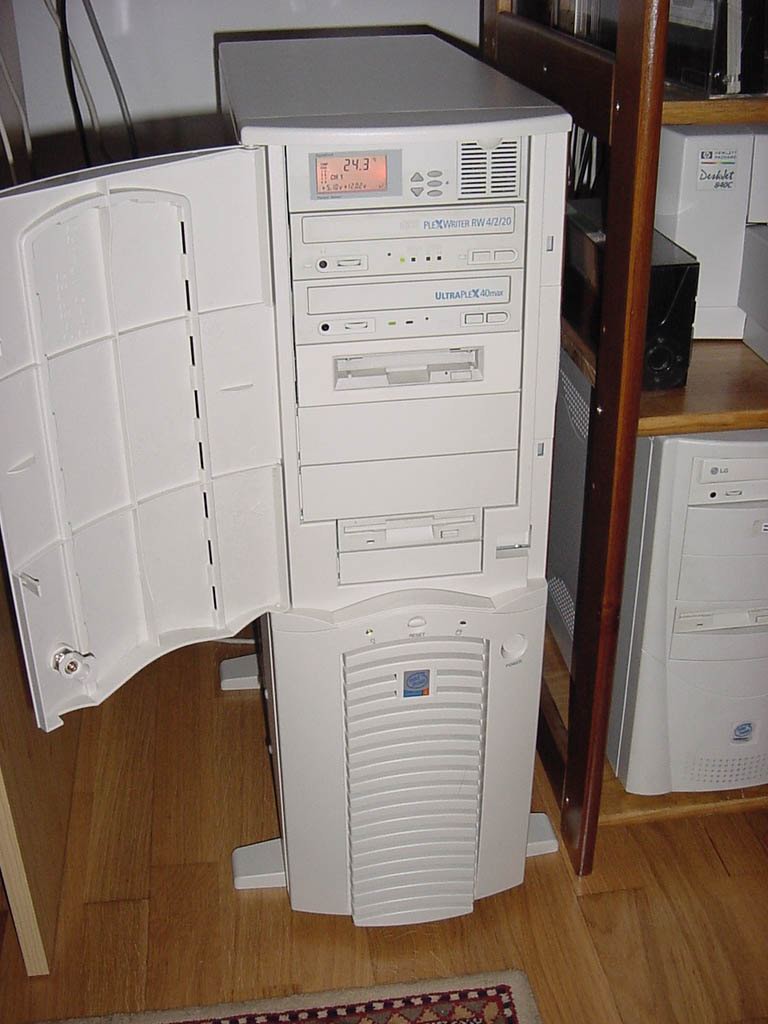
Fully assembled. Open and closed tower doors. Light and dusk.
Setup,
Case Mod and photos by P.
Mateus , webmaster@air-arms.com
Detailed step by step
photos of the previous full case mode here >>
|
Setup: |